The Ultimate Guide to Mechanical Keyboards: Types, Switches, and Features
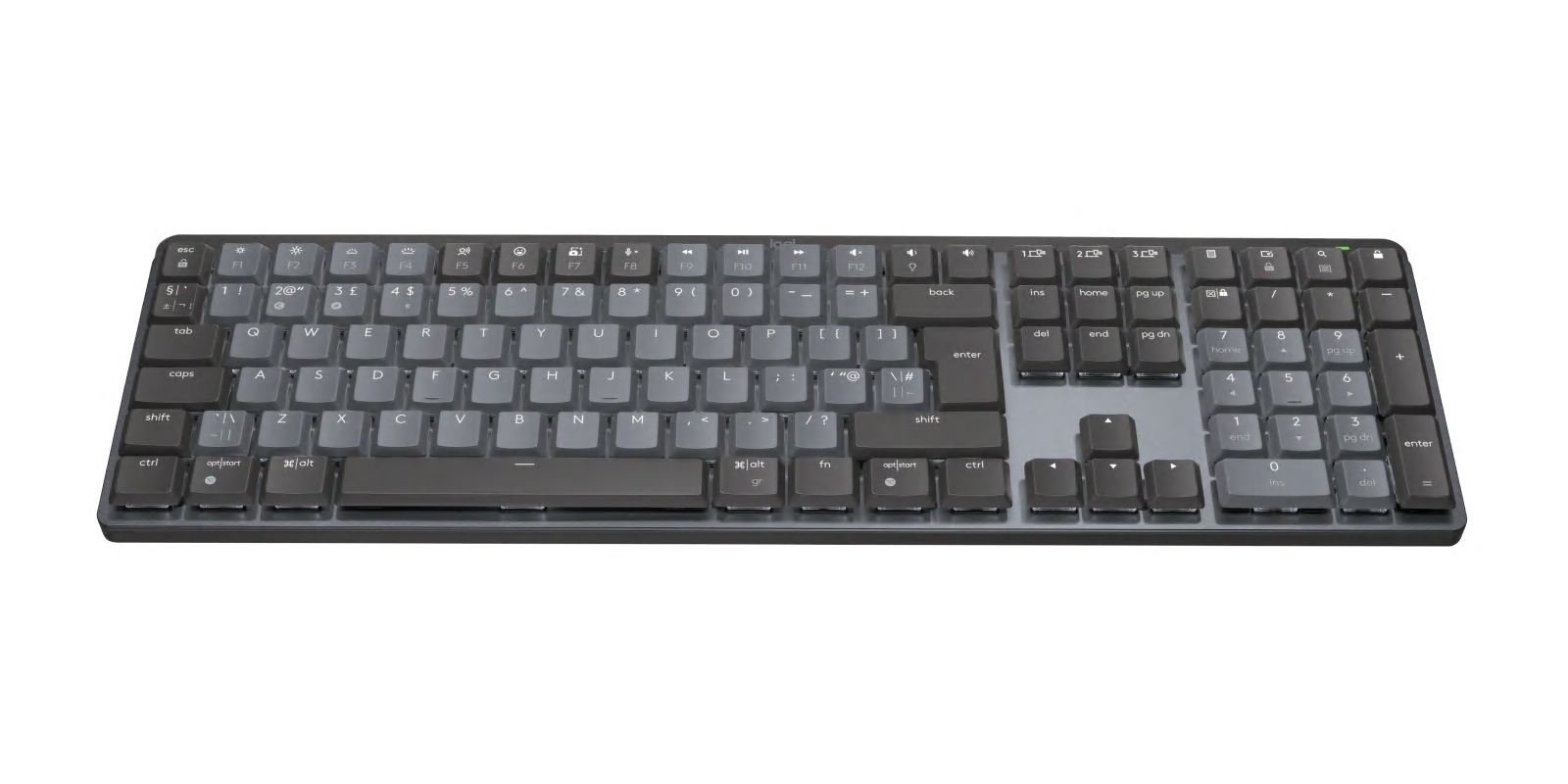
Mechanical keyboards have gained immense popularity among typists, gamers, and tech enthusiasts alike, thanks to their tactile feedback and durability. In this ultimate guide, we will explore the various types of mechanical keyboards available on the market, which can generally be categorized into full-sized, tenkeyless, and compact layouts. Each type caters to different preferences and use cases, ensuring there is a perfect fit for every user. For instance, full-sized keyboards include a number pad, making them ideal for those who frequently enter numerical data, while compact keyboards are great for minimalists or those with limited desk space.
Another crucial aspect to consider when selecting a mechanical keyboard is the type of switches used. There are three main categories of mechanical switches: linear, tactile, and clicky. Linear switches provide a smooth keystroke without any tactile feedback or sound, making them perfect for fast typing or gaming. Tactile switches offer a noticeable bump when the key is actuated, giving typists an indication of their input without excessive noise. Lastly, clicky switches combine tactile feedback with an audible click, appealing to users who enjoy the satisfying sound of each keystroke. Understanding these differences will help you choose the best mechanical keyboard that meets your needs.
If you're looking to elevate your keyboard setup, check out the Top 10 Coiled Keyboard Cables. These stylish and functional cables not only help reduce clutter but also add a retro flair to your desk. Whether you're a gamer, programmer, or casual user, investing in a high-quality coiled keyboard cable can enhance your typing experience significantly.
Is a Mechanical Keyboard Right for You? Pros and Cons Explained
When considering whether a mechanical keyboard is right for you, it's important to weigh the pros and cons. On the one hand, mechanical keyboards are beloved for their tactile feedback and durability. Each keystroke provides a satisfying click that can enhance typing speed and accuracy, making them particularly appealing for gamers and writers alike. Furthermore, the customization options available—such as switch types and RGB lighting—allow users to tailor their experience to fit personal preferences. However, the price point can be a barrier; mechanical keyboards often cost significantly more than membrane counterparts, which might not be justifiable for casual users.
On the flip side, there are some cons to consider when deciding if a mechanical keyboard suits your needs. One major downside is the noise they produce, which can be disruptive in shared workspaces. Additionally, their bulkier design can take up more space and may not be as portable as other options. Lastly, transitioning to a mechanical keyboard can take time as users adjust to the different feel of each switch. If you're someone who types lightly or works in a quiet environment, a mechanical keyboard might not be the best fit for you. Ultimately, the decision should be based on your specific requirements and preferences.
How to Choose the Perfect Mechanical Keyboard for Your Typing Style
When it comes to choosing the perfect mechanical keyboard for your typing style, the first step is to understand the various switch types available. Mechanical keyboards use different switches that cater to distinct preferences; for instance, Cherry MX Red switches are known for their smooth and linear actuation, making them ideal for gamers who prioritize speed. On the other hand, Cherry MX Blue switches offer tactile feedback and an audible click, which many typists prefer for a satisfying typing experience. To determine which switch suits you best, consider trying out a keyboard with different switches before making your final decision.
Another crucial factor is the keyboard layout and size. Popular layouts include full-size, tenkeyless (TKL), and compact layouts. Full-size keyboards come with a number pad, making them suitable for data entry tasks, while TKL keyboards lack the number pad, providing a more compact design great for minimal desktop spaces. Compact layouts, like 60% keyboards, are even smaller and omit function keys and arrows, focusing on portability. Think about your regularly used keys and how often you need a number pad or function keys to ensure you select a layout that complements your typing style effectively.