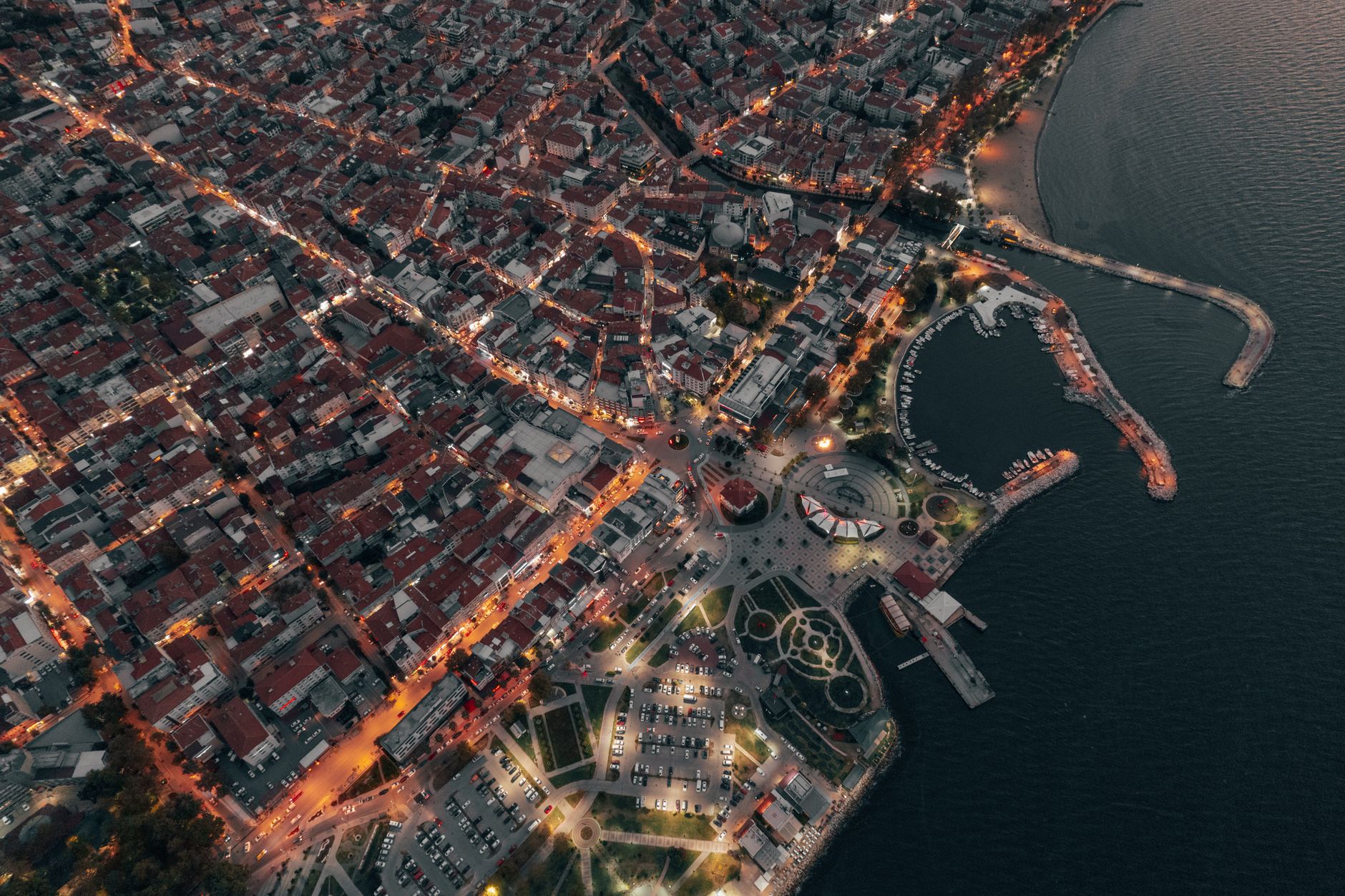
From Data to Narrative: Explaining Mapbox's Core Concepts and Your First Interactive Map
Embarking on the journey of creating compelling interactive maps with Mapbox requires a solid understanding of its foundational principles. At its heart, Mapbox transforms raw geospatial data into visually engaging and informative narratives. Key to this transformation are concepts like Tilesets, which are pre-rendered, optimized collections of map data, and Styles, which dictate how these tilesets are visually represented – think colors, fonts, and iconographies. Understanding the interplay between these two is crucial. Furthermore, Sources define where your data originates (e.g., GeoJSON, vector tiles), and Layers determine how that data is rendered on your map, allowing for granular control over visual elements and interactivity. Mastering these core building blocks will empower you to move beyond static images and craft dynamic, data-driven visualizations that truly tell a story.
Your first interactive map with Mapbox will likely begin with a pre-existing style or a simple dataset. The beauty of Mapbox lies in its flexibility, allowing you to gradually add complexity. A common starting point involves:
This iterative process of combining data with visual styles and interactivity is what makes Mapbox such a powerful tool for transforming raw information into engaging and insightful geographic narratives.
- Choosing a Base Style: Start with a pre-designed Mapbox style (e.g., `mapbox/streets-v11`) as your canvas.
- Adding a Data Source: Incorporate your own geospatial data, perhaps a GeoJSON file of points of interest or administrative boundaries.
- Defining a Layer: Create a layer that renders your data source, specifying its visual properties like color, size, and opacity.
- Adding Interactivity: Implement event listeners to respond to user interactions, such as clicks or hovers, to reveal more information or trigger animations.
The Mapbox API offers powerful tools for building custom maps and location-based applications, allowing developers to integrate dynamic maps, geocoding, and routing functionalities into their projects. With the Mapbox API, you can create interactive and visually stunning maps with a high degree of customization, leveraging its extensive documentation and SDKs for various platforms. It provides a flexible and scalable solution for a wide range of mapping needs, from simple static maps to complex real-time geospatial applications.
Beyond the Basics: Practical Tips & FAQs for Advanced Mapbox Features and Engaging Storytelling
Move beyond simple markers and explore Mapbox's advanced capabilities for truly immersive narratives. Consider leveraging Mapbox GL JS's data-driven styling to dynamically adjust map elements based on your dataset, creating visual hierarchies that guide the user's attention. Experiment with Mapbox Expressions to craft sophisticated filters and conditional formatting, allowing for nuanced data visualization. For storytelling, integrate 3D terrain and custom extrusion to add depth and realism, particularly for geographical or architectural themes. Don't forget the power of custom layers – overlaying historical maps, satellite imagery, or even real-time sensor data can transform a static map into a dynamic, informative experience.
Pro Tip: Utilize the Mapbox Studio interface for initial layer creation and styling, then export the JSON for programmatic manipulation within your application. This streamlines development and offers greater control.
Facing common advanced Mapbox challenges? Let's tackle some FAQs. "How do I optimize performance for large datasets?" Consider using vector tiles for efficient rendering and explore Mapbox's data-driven styling capabilities to minimize redundant layer definitions. For complex interactions, implement debouncing or throttling on map events to prevent excessive re-renders. "What's the best way to integrate external APIs?" Mapbox GL JS seamlessly handles custom data sources; fetch your API data and convert it to a GeoJSON format for easy integration as a new source. Finally, for compelling storytelling, sync map movements with scroll events using libraries like Scrollama, creating a guided narrative journey. Explore the Mapbox examples and documentation thoroughly; they are a goldmine for advanced techniques and troubleshooting.